
QR codes
QR codes you can print with confidence
Generate crisp, scannable codes in your browser. Download SVG for print, PNG for screens, and use dynamic codes when the destination might change.
How it works
- 01
Pick a destination
Your page by default, or any web link.
- 02
Style it
Colours, quiet zone, error correction and an optional logo — with warnings if it might not scan.
- 03
Download and test
PNG at 2048 px or vector SVG, plus printing guidance.
The details
- Generated on your device
- Codes are drawn locally. Logos you add never leave your computer.
- Dynamic codes
- On Creator Pro and Business, codes point through a short LinnksBio link you can change any time — no reprinting.
- Scan counts
- Dynamic codes show how many times they've been scanned, without identifying who scanned them.
- Built-in safety checks
- Low contrast, inverted colours, small margins and risky logos are flagged before you print.
- Pause or retire
- Pause a dynamic code when a campaign ends; static codes keep working forever.
- Free tool for everyone
- Use the public QR generator without an account for any link.
Example
A festival poster that never goes stale
One dynamic code on every poster now points at tickets, later at the schedule, then at next year's dates.
View the demo page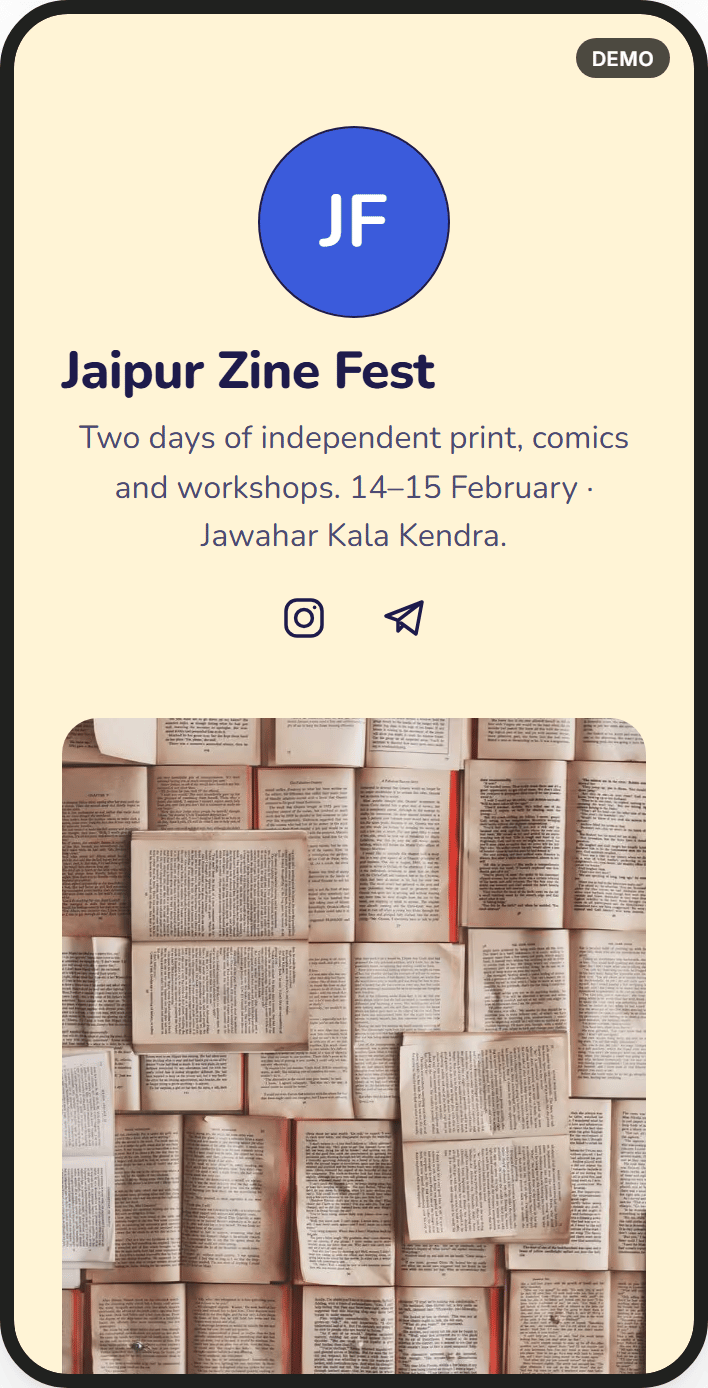
Questions
Do static QR codes expire?
No. They contain your link directly and don't depend on LinnksBio.
What if I stop paying for dynamic codes?
Dynamic codes stop redirecting. Use static codes for anything permanent.
Is the QR generator free?
Yes. The public generator is free for any link, no signup needed.