
Themes & styling
A page that looks like you, not like everyone else's
Start from one of fourteen original themes, then adjust colours, typography, buttons and backgrounds. Every change previews live, and contrast checks keep it readable.
Demo


How it works
- 01
Choose a theme
Minimal, editorial, warm, playful, bold, monochrome, dark or photographic.
- 02
Make it yours
Swap fonts, tune colours, pick button shapes and set a gradient or photo background.
- 03
Check it reads well
The style panel warns you when text contrast drops below WCAG AA.
The details
- Themes are tokens, not templates
- Switching theme restyles everything while your content stays exactly where it is. Undo is one click away.
- Four header layouts
- Classic, banner with cover image, compact business and portrait-led — each with photo size and shape options.
- Curated typography
- Five self-hosted font families chosen for legibility on small screens. No slow third-party font requests.
- Per-block overrides
- Give a single block its own colours, corner style or alignment without touching the rest of the page.
- Accessible by default
- Every built-in theme passes WCAG AA text contrast. If a change breaks it, you'll see exactly which pair fails.
- No custom CSS required
- Styles are stored as validated settings, which keeps pages fast, consistent and safe.
Example
Same content, five moods
The homepage shows one café page in five themes — proof that switching never breaks your layout.
View the demo page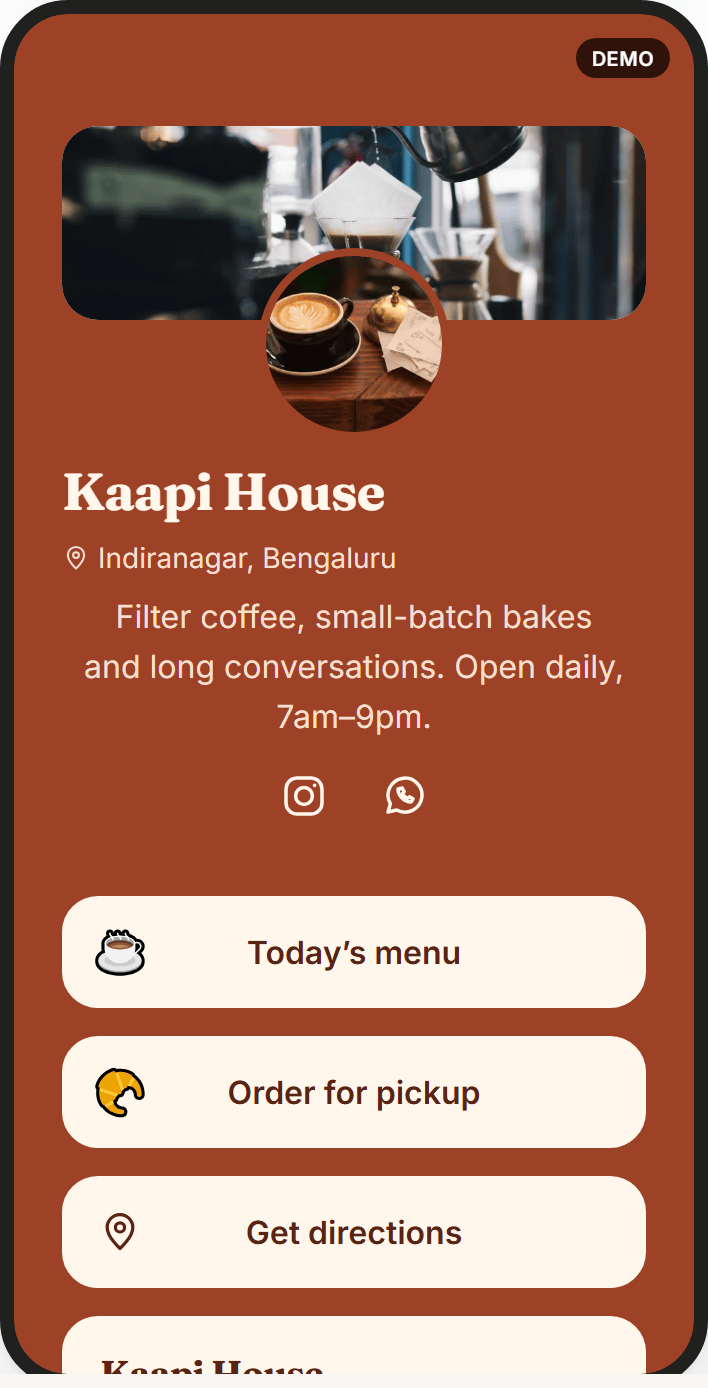
Questions
Are all themes free?
Seven themes are free on every plan. Seven premium themes come with Creator Pro and Business.
What happens to a premium theme if I downgrade?
Your page shows the free Paper theme until you upgrade again. Your settings are kept.
Can I upload my own font?
Not yet. Curated fonts keep pages fast and readable; we'll add more families over time.